


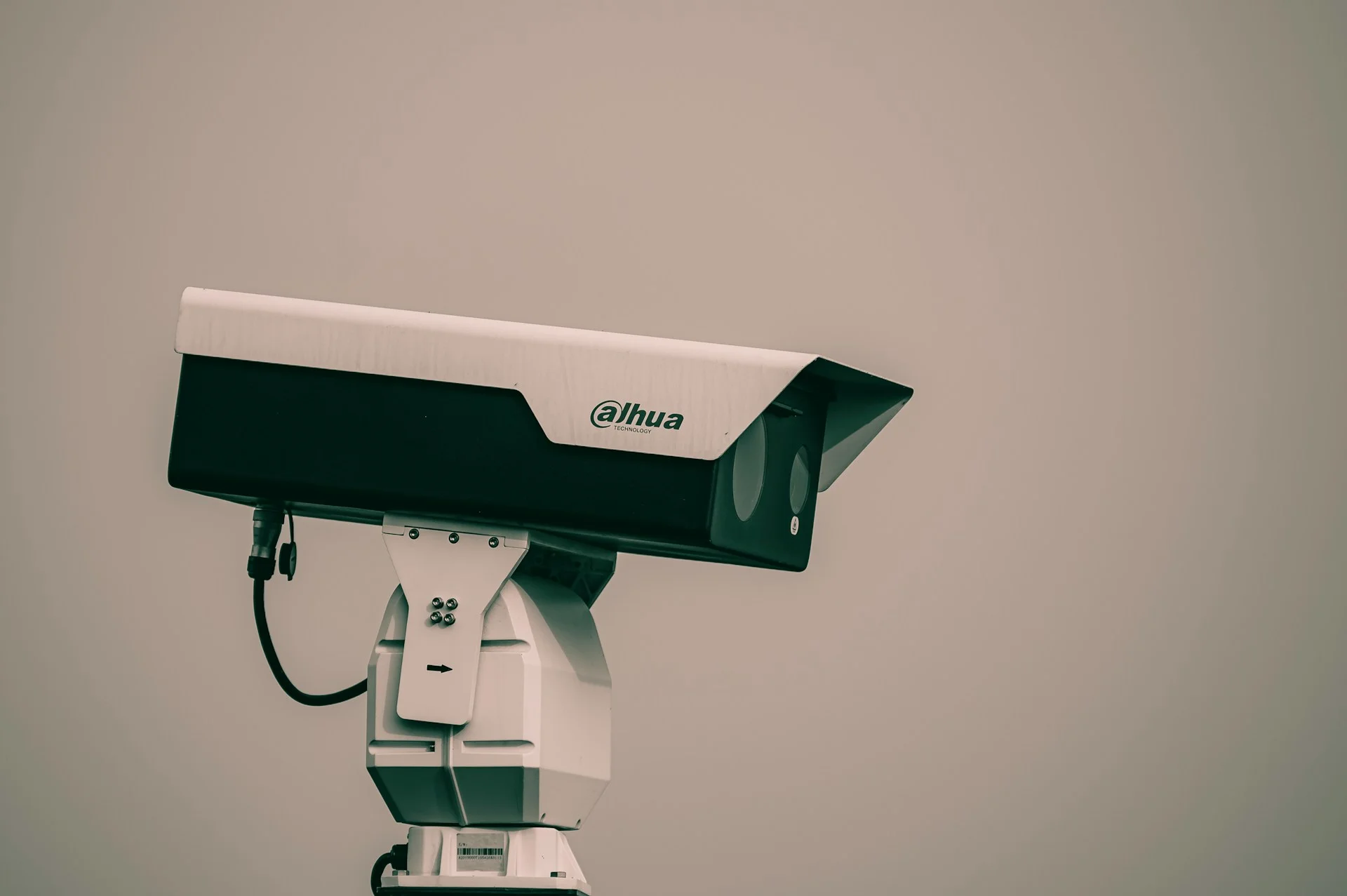
Business safety depends on infrastructure that can detect unusual activity, preserve useful records and give authorized staff quick access to accurate information. Older systems often create gaps through limited storage, isolated devices or alerts that provide too little context. A modern setup connects access monitoring, video recording and remote oversight so teams can respond quickly without watching screens all day. The following four upgrades address common weak points while supporting daily operations across offices, restaurants, warehouses and other commercial properties.
Table of Contents
Smart Sensors Along Critical Access Routes
Start by identifying the routes people use to enter restricted or sensitive areas. Door contacts, glass-break sensors and occupancy detectors can monitor entrances, loading areas, stockrooms and equipment spaces. A sensor might alert a restaurant manager when a rear delivery door remains open after a scheduled drop-off, for example.
Current access control trends include stronger connections between credentials, sensors and centralized management platforms. Place sensors according to actual traffic patterns and assign different alert levels. A door opened during business hours may simply create a log entry, while the same event overnight could trigger an immediate notification. Test every device on a regular schedule and record battery replacement dates.
High-Capacity Video Storage Solutions
Video quality has increased, but sharper footage requires considerably more storage. Modern businesses should calculate capacity using camera count, resolution, frame rate and required retention period. Continuous recording from 16 high-resolution cameras creates a much larger data load than motion-based recording from four cameras.
A network video recorder can centralize IP camera footage and support features such as high storage capacity, mobile app integration and smart motion detection. Before selecting one, estimate how many days of footage you need and leave room for future cameras. Use automatic drive-health alerts and confirm that older files are being overwritten according to policy. The broader case for IT infrastructure upgrades also applies here: aging equipment can raise maintenance demands and limit compatibility with newer systems.
Intelligent Human and Vehicle Tagging
Traditional motion alerts can overwhelm staff because shifting shadows, rain or moving branches may generate unnecessary notifications. Intelligent tagging sorts recorded activity into useful categories, helping users locate relevant events without reviewing hours of footage.
Consider a busy office parking area. Instead of searching an entire afternoon, a manager could filter for vehicle activity near a delivery entrance during a 20-minute window. Human tagging can also help identify movement near staff-only doors after closing. Configure detection zones carefully so public sidewalks or neighboring properties don’t create constant alerts. Teams should review sensitivity settings after installation and again when lighting, furniture or traffic patterns change. Clear retention rules and limited user permissions also help protect employee and visitor privacy.
Remote Viewing Through Encrypted Apps
Encrypted mobile and desktop apps let approved staff check live views, review alerts and verify site conditions from another location. This access can be particularly useful when an alarm occurs overnight or a facilities manager oversees several properties. A quick visual check may show that a delivery arrived early or that maintenance staff entered as scheduled.
Secure access needs more than a password. Enable multifactor authentication, give each user an individual account and remove access promptly when responsibilities change. Keep apps and recording equipment updated with current software, and avoid accessing administrative controls through unsecured public Wi-Fi. Businesses should also create an escalation process that explains who reviews alerts, who contacts on-site staff and how events are documented.
The strongest upgrade plan begins with a map of entrances, storage requirements and current blind spots. Once installation is complete, schedule a quarterly review so alert zones, user accounts and retention settings continue to match how the property actually operates.

